
Tarot Spreads in TarotPulse: Track Every Position, Not Just Every Card
The Tower in the challenge spot is a rough Tuesday. The Tower in the outcome spot is a different conversation entirely. Same card, same art, nearly opposite news.
Until now, TarotPulse could tell you that you pulled The Tower. It couldn't tell you where it landed. Spreads fix that. Record a pull against a real spread, write a note at every position, design your own, and see what actually shows up where. Here's the tour.
Why Position Matters
A card is a word. A spread is the sentence. "Release" and "Bloom" can hold the same card and ask it two different questions, which is the entire reason we lay cards out in a pattern instead of pulling one and squinting. Most tarot practices read position as part of the meaning. Plenty of trackers throw it away the moment you hit save, and a tally of your most-pulled cards is only half the story.
Eight Spreads, Ready to Go
Every TarotPulse account now comes with eight provided spreads. Each position carries its own prompt, so you remember the question it's asking while you read.
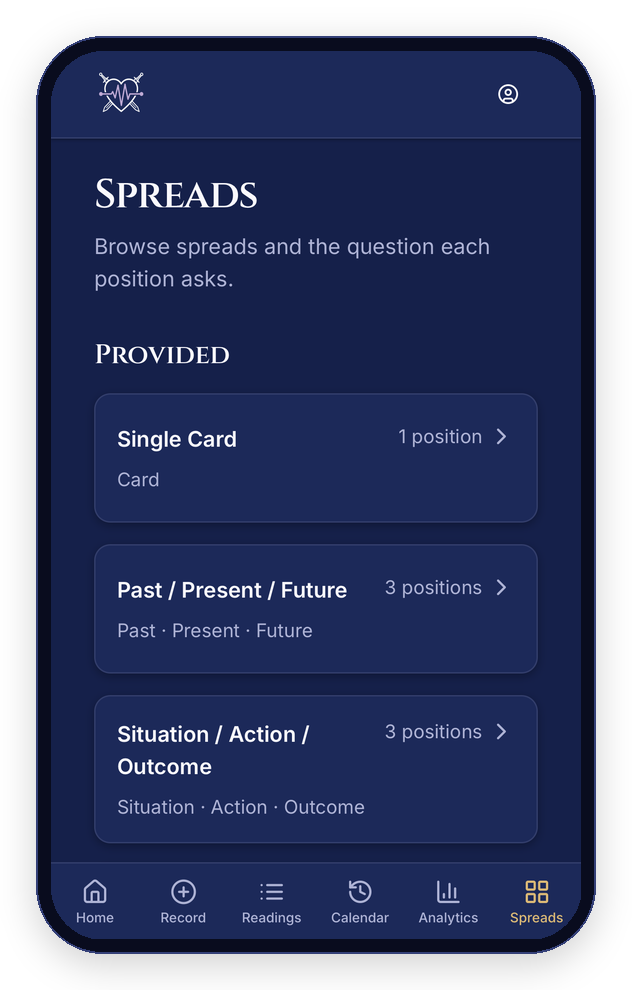
Screenshots use sample readings.
- Single Card (1 position): the daily draw, with a name for what it's doing.
- Past / Present / Future (3): the classic.
- Situation / Action / Outcome (3): for when you need a next step, not a mood.
- Mind / Body / Spirit (3): a quick check across the three.
- Relationship (5): You, Them, The connection, The challenge, Advice.
- Decision / Crossroads (5): The situation, Path A, Path B, What's unseen, Advice.
- Horseshoe (7): past through outcome, with hidden influences and other people's in the mix.
- Celtic Cross (10): the big one.
The Celtic Cross, Laid Out Properly
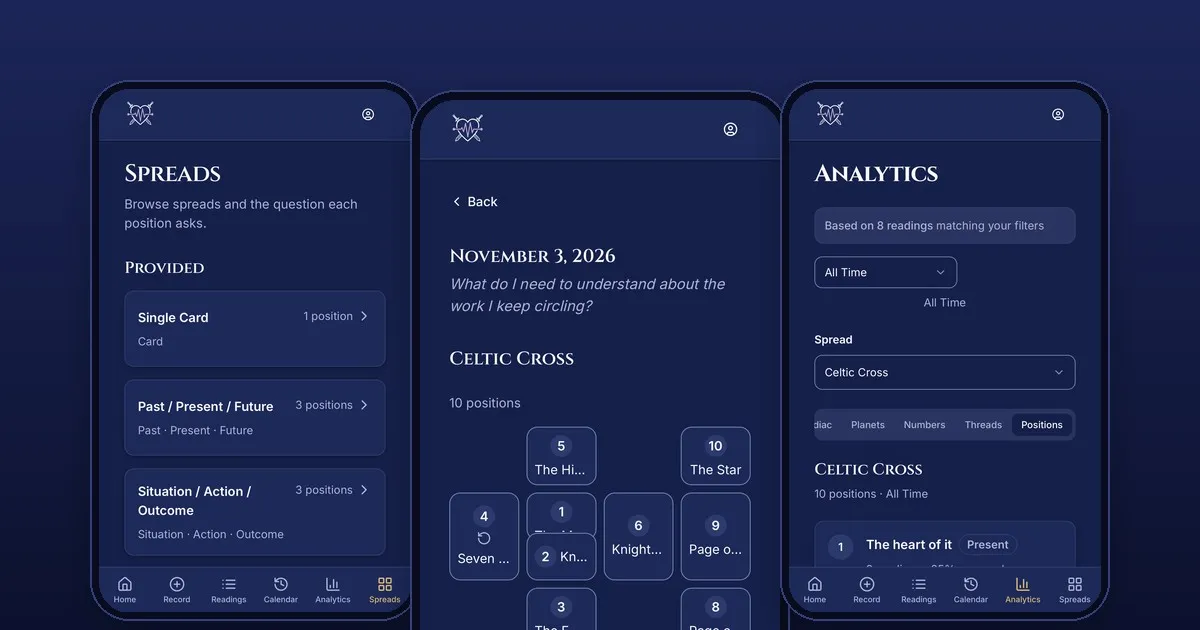
The Celtic Cross is the spread that makes every simple tracker flinch, because its second card lies across the first. TarotPulse handles that as a real crossing: position 2 crosses position 1, and on your phone the spread is drawn the way you'd lay it on a table, a cross on one side and a staff of four on the other. Tap a card to jump to its notes. If a layout can't fit your screen, you get the plain position list instead, so nothing ever gets cut off.
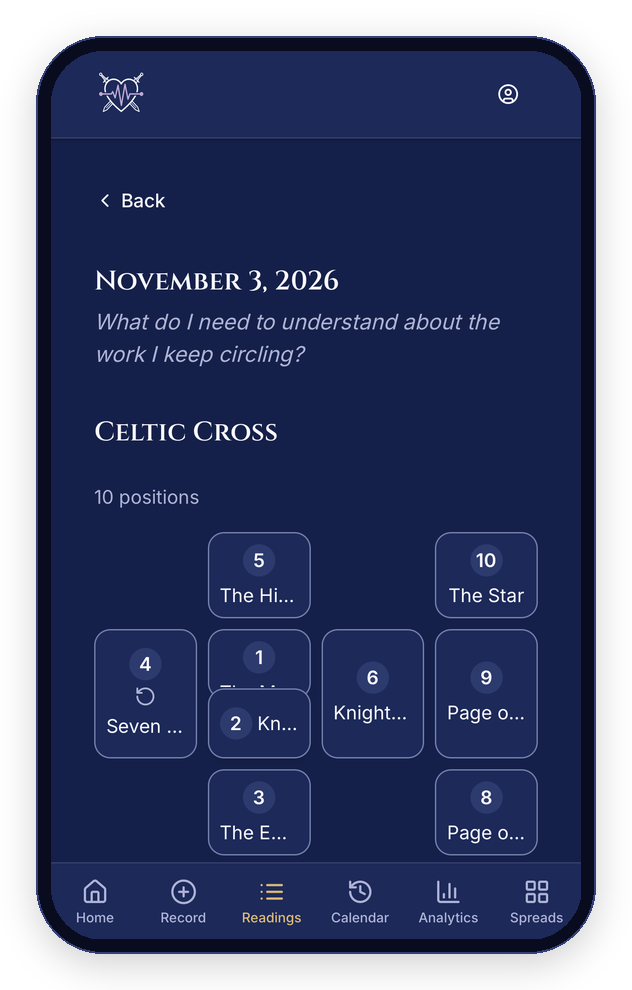
Past / Present / Future comes with a layout too, and any spread you build can have one.
Record a Pull, Note Every Position
When you record a reading, pick a spread first. You'll see each position's prompt, choose a card for each one, and write what you see in your own words right there at the position, not in one blob of notes at the end. A counter keeps track of how many positions are placed, so a ten-card pull never gets lost halfway.
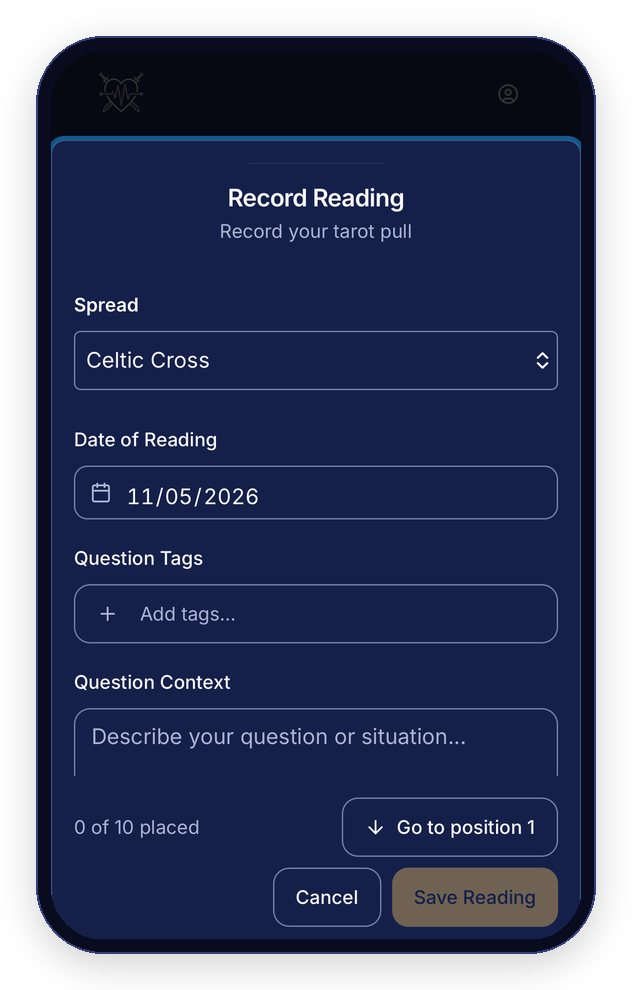
You don't have to use any of this. "No spread" is still a perfectly good way to record a pull, so quick draws work exactly as they did. Your existing readings are untouched.
Design Your Own
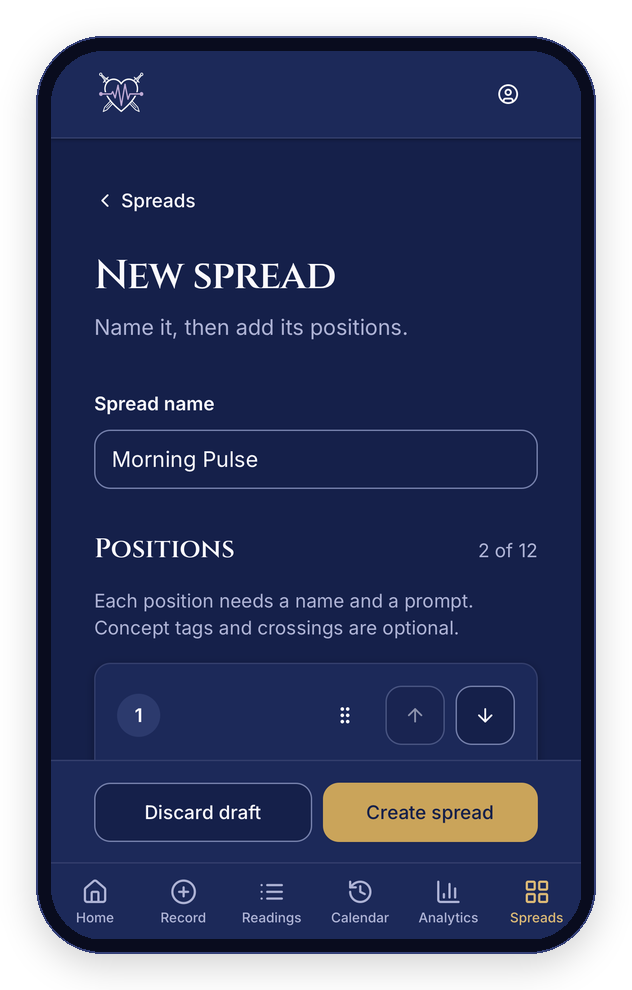
Maybe your practice has a spread nobody ever published. Good. Open the designer, name it, and add up to twelve positions. Each one gets a name and a prompt. Optionally it gets a concept tag (past, present, future, situation, obstacle, advice, action, outcome, self or other), and a position can cross another one. Reorder by dragging, or start from a provided spread and make a copy to bend.
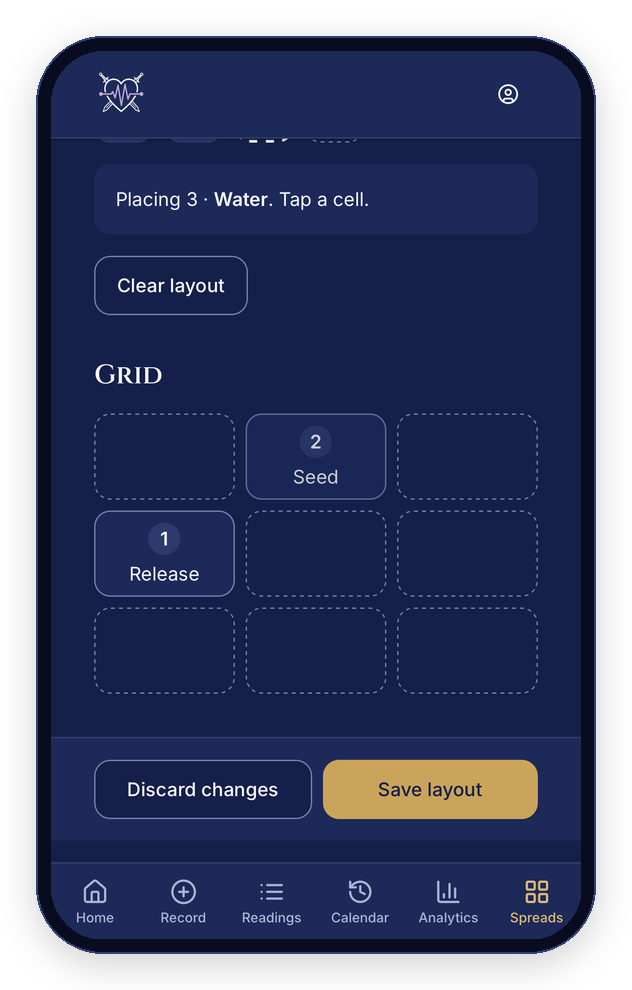
Then tap Arrange positions to lay it out: tap a position, tap a cell on the grid, repeat. No dragging, nothing fiddly, and it works with a thumb.
If you retire a spread that has readings on it, TarotPulse archives it instead of deleting it, so those readings keep their record.
See What Shows Up Where
This is the part I care about most. In Analytics, the new Positions tab scopes everything to one spread. For each position you see the cards that land there most often, how often they come up reversed, and how many readings the numbers rest on.
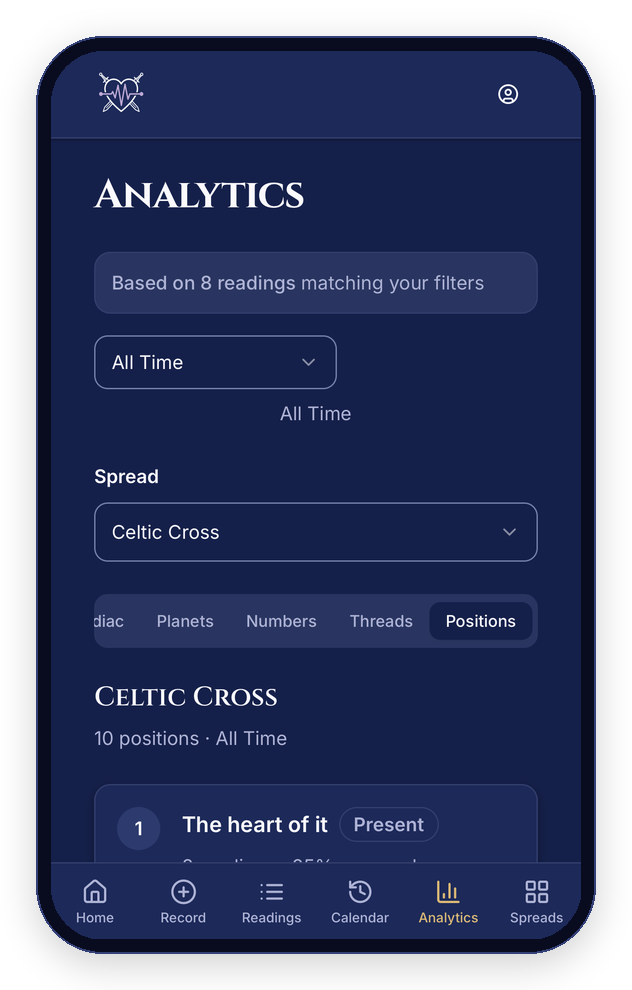
It's honest about sample size. With eight readings, "The Tower, 2 of 8" is a hint, not a law, and TarotPulse shows you the count so you can decide what it's worth. Concept tags are what let you step back further: tag a position "obstacle" in one spread and "obstacle" in another, and you can look at all your obstacles together, with a clear note on how much of your data is tagged. CSV export includes the spread and the position for every card too.
Frequently Asked Questions
Do I have to use spreads?
No. Recording without a spread works exactly as it always has. Spreads are there when you want them.
Will my old readings change?
No. Existing readings stay exactly as you recorded them.
Can I share a spread I designed?
Not at the moment. The spreads you design are private to your account.
How many positions can a spread have?
Up to twelve, which covers the Celtic Cross with room to spare.
Does it work on my phone?
Yes. Spreads were built phone-first: the layouts fit a phone screen, and when one can't, you get the position list instead.
Try a Spread Tonight
Open Spreads from the bottom bar, pick one, and tap Record a pull. Write something at each position. In a few weeks, your own data will start telling you what your cards say where. TarotPulse keeps the receipts.